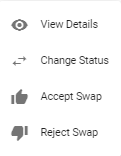
Not seeing a particular option on your
 Accept/Reject a Swap (Admin)
In the left menu, click  Schedule Swaps and select the name of the schedule for the swap you are accepting/rejecting.
Under Filters, select Pending Admin Approval.
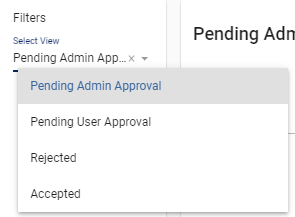
The swap will appear in the list at the center of the screen. Click  and select either
  Accept Swap or
  Reject Swap.
After the swap is accepted, select Accepted under Filters.
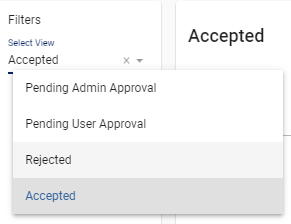
Click on next to the swap option displayed under the Accepted list. You will have an option to view details regarding the swap, change its status, accept it, or reject it as needed.