Not seeing a particular option on your
 Deleting Generation Steps
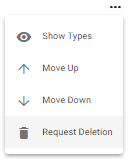
The admin user may delete a generation step by clicking on the  icon next to the item in question then selecting the
  Request Deletion option.
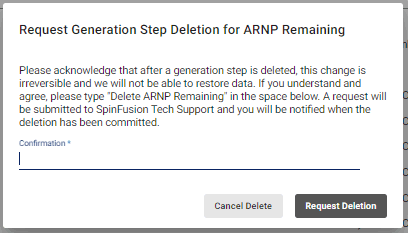
The system will populate a pop-up window requesting that you acknowledge that the deletion of said generation step is irreversible. If you still wish to delete the step, you will be asked to fill in the Confirmation field before hitting the  button.