 Not seeing a particular option on your
 Draft Test Run
Testing a Draft
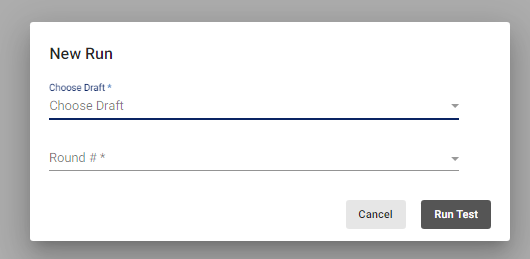
In the left menu, click the Draft option and select Test Run. Click the New Test Run button at the top of the page. Select the name of the draft and the round number to test. Click Run Test.
Reviewing Draft Test Results
Locate and select the draft test results to review.
The Draft Testing Logs provide the name of everyone included in the draft, an individual’s draft choices and priority rank, and results of each choice. Draft selections awarded to the individual will be listed as SUCCESS in green under Status. If the selection could not be awarded, it will be listed as ERROR in orange under status, along with the reason why the selection could not be awarded.