 Not seeing a particular option on your
 Editing a Recurring Assignment
To edit an existing recurring assignment, click on the  Recurring Rules option under Tools.
This action will open the Recurring Rules page.

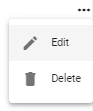
Click on the icon next to the assignment you would like to edit then click on the  Edit option.
This will prompt a pop-up Edit Recurring Assignment box where you may edit the provider by choosing a different code from the Provider drop-down menu, the assignment by choosing a different code from the Assignment drop-down menu, the frequency by choosing a new option from the Frequency drop-down menu, and the day of the week the assignment takes place from the Day of week drop-down menu.
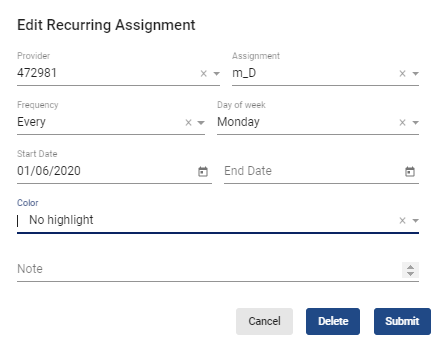
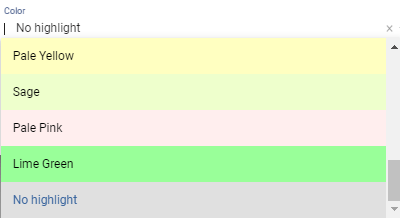
To highlight the assignment, pick an option from the Color drop-down menu.
You may also add an observation in the Note field.
Once you’re done with the edits, click on the  button.
Video Tutorial: Edit Recurring Assignment
How do I edit a recurring assignment in Physician Scheduling: A short video of editing recurring assignments
Video Tutorial: Delete Recurring Assignment
How do I remove a recurring pattern or assignment in Physician Scheduling: A short video of removing recurring rules