 Not seeing a particular option on your
 Exporting Dynamic Report List
Click on the  Dynamic Reports option under Tools in the Physician Scheduling main sidebar menu.
This action will take you to the Dynamic Reports page.
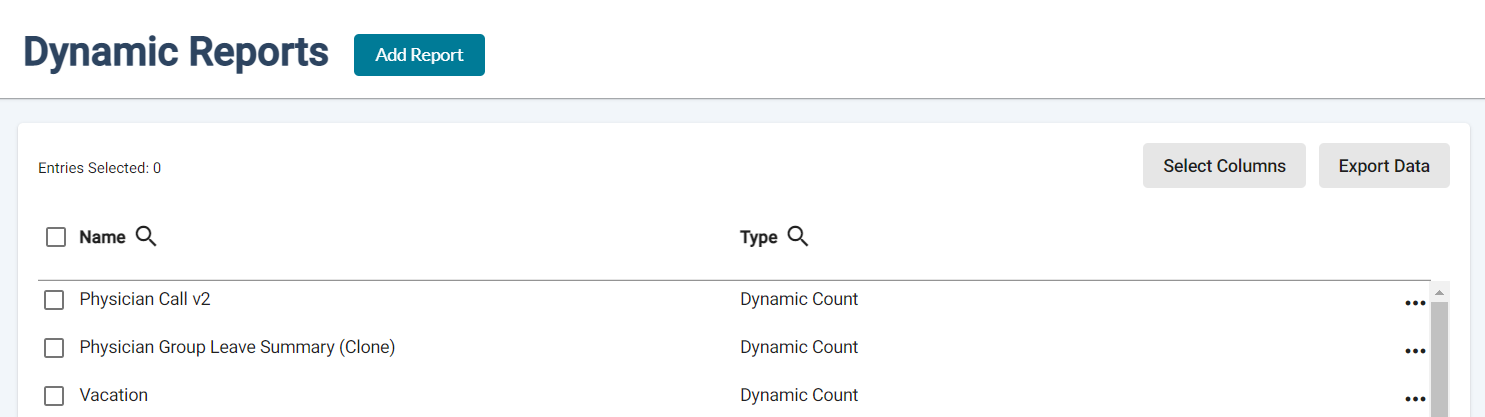
Click on the  button then choose one of the available options. The Dynamic Reports data displayed on the Dynamic Reports page will then be downloaded as a CSV file onto your computer.