Not seeing a particular option on your
 Sending News Items Via Text/Email
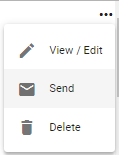
To send a news item as an email or a text message, click on the  button next to the news item you would like to share. Click on the
  Send option.
This action will prompt Physician Scheduling to populate a pop-up Send News Items box.
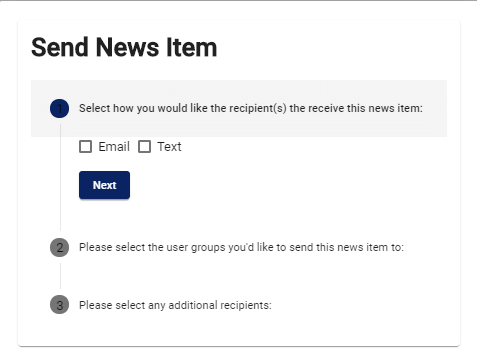
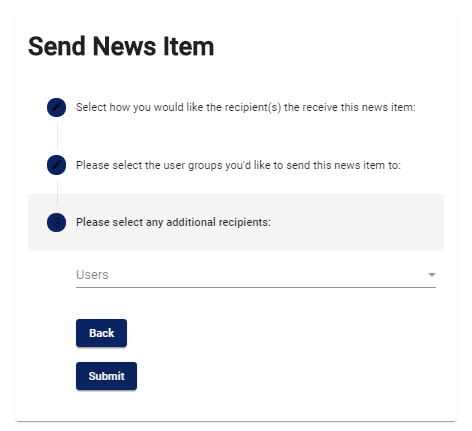
Choose how Physician Scheduling should send the message (email or text), then select the recipients. Click on the  button once you’re done.