 Not seeing a particular option on your
 Takeoff Tutorial
When you first log in, the system populates an introductory video as part of the Takeoff Tutorial.
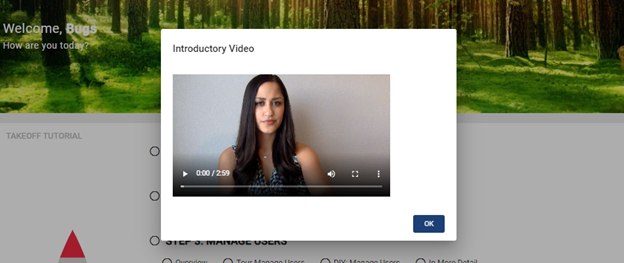
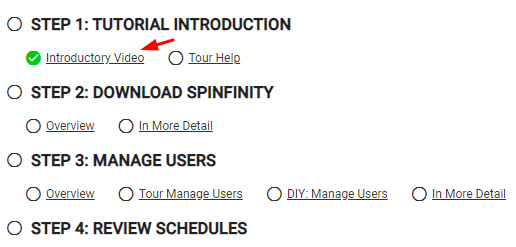
Once you hit the  button, the first item in the tutorial list (Introductory Video) is checked off, meaning you have already gone through that step of the process.
You can revisit the video by clicking on Introductory Video under Step 1: Tutorial Introduction.
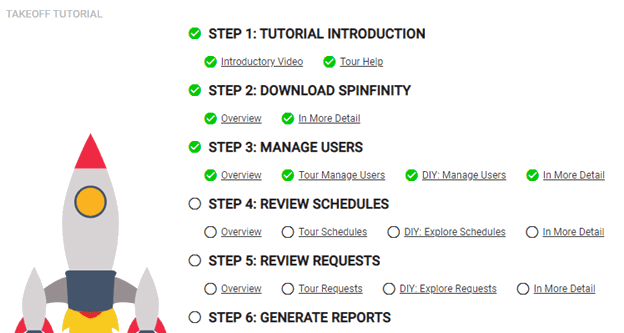
As you go through other steps of the tutorial, items are checked off, until the entire tutorial has been completed.
Hiding Tutorial
To remove the tutorial from the home page, you may scroll down to the bottom of the feature and check off the  box.
box.
Resetting Takeoff Tutorial Progress
If you have been through different stages of the tutorial but would like to reset it, navigate to the upper right corner of the screen and click on the  Help icon.
Choose the Reset Tutorial Progress option.