 Not seeing a particular option on your
 User Request Help Log (Admin)
The administrator has the ability to view all Request Help entries made by end users via the Request Help icon by visiting the User Request Help Log page.
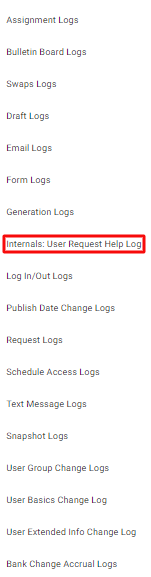
To access these logs, click on the  System Logs icon in the upper right corner. Select the Internals: User Request Help Log option.
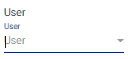
In the User Request Help Log page, you may search for help request entries by selecting a user from the User drop-down menu.
The system will then populate the page with a list of help requests made by that user.