 Not seeing a particular option on your
 Disabling Accounts
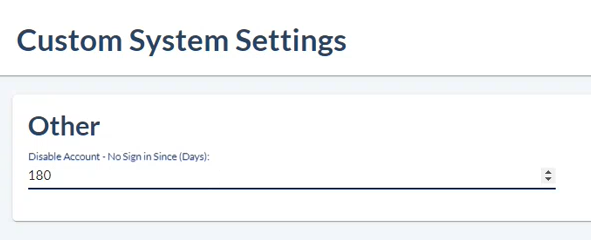
The Disable Account setting provides a way to deactivate, or lock, user accounts if they haven't logged in for the chosen number of days. The setting accepts values from 1 to 999, where 999 means user accounts will never be deactivated.
This setting is found under Admin > System Internals > Custom System Settings.
Users with deactivated accounts must contact a system administrator to have their account reactivated. To reactivate an account, an administrator needs to re-check the Active User option on the Basic Info page for the user.